

Managing substitute variants
Adding substitute variants
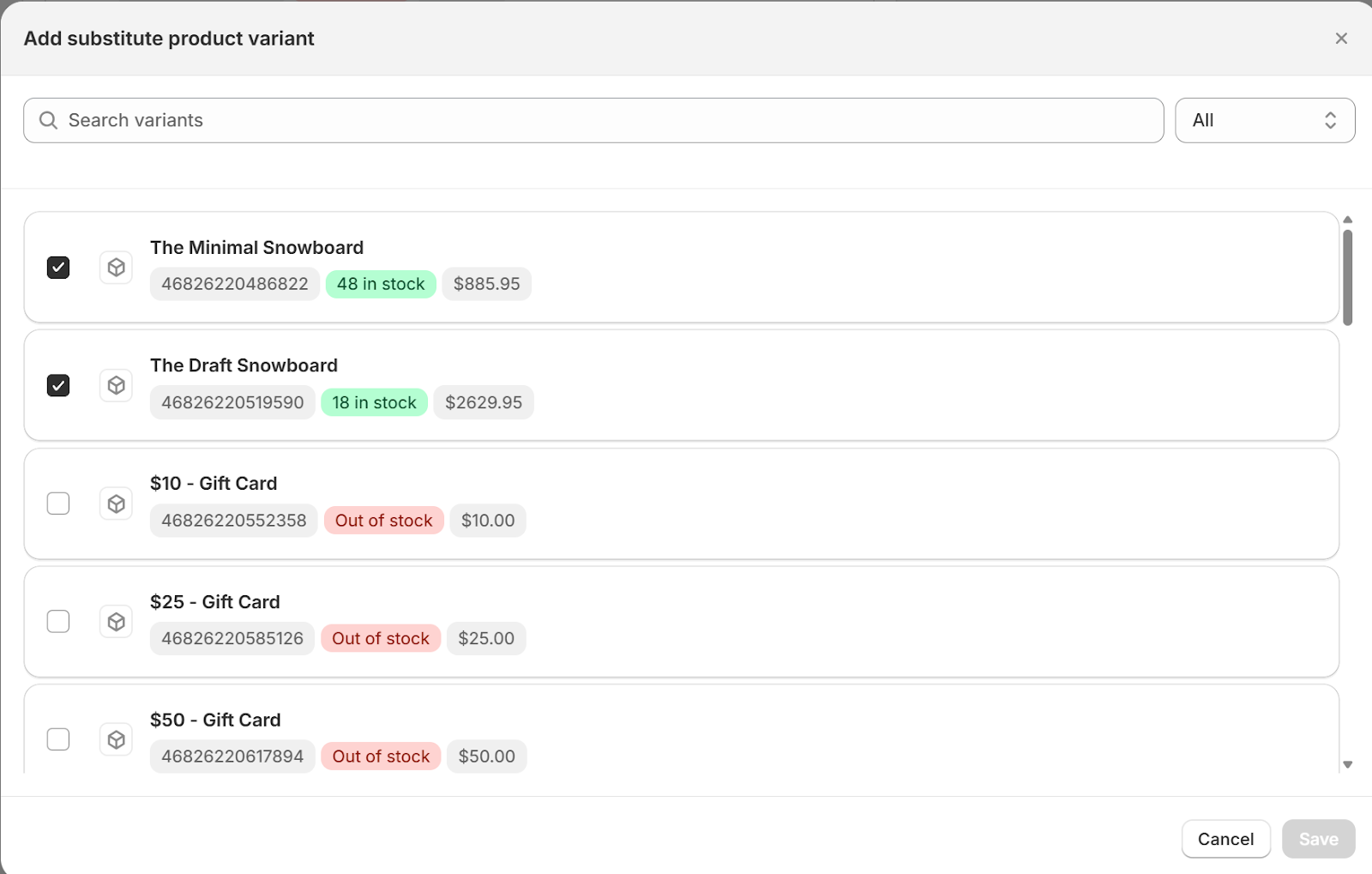
You can add one or more substitutes for each out-of-stock variant. Each substitute displays:
Product name
Price
Stock status
Priority order
Reordering priority
Drag and drop to control which substitute is tried first.
Stock indicators
🟢 Green – In stock
🟡 Yellow – Low stock
🔴 Red – Out of stock
Best practices
Choose similar or equivalent products — Customers receive what they paid for in spirit, even if not the exact SKU
Monitor substitute stock — A backup that's also unavailable won't help
Review rules regularly — Seasonal inventory changes may require updates
Was this helpful?